
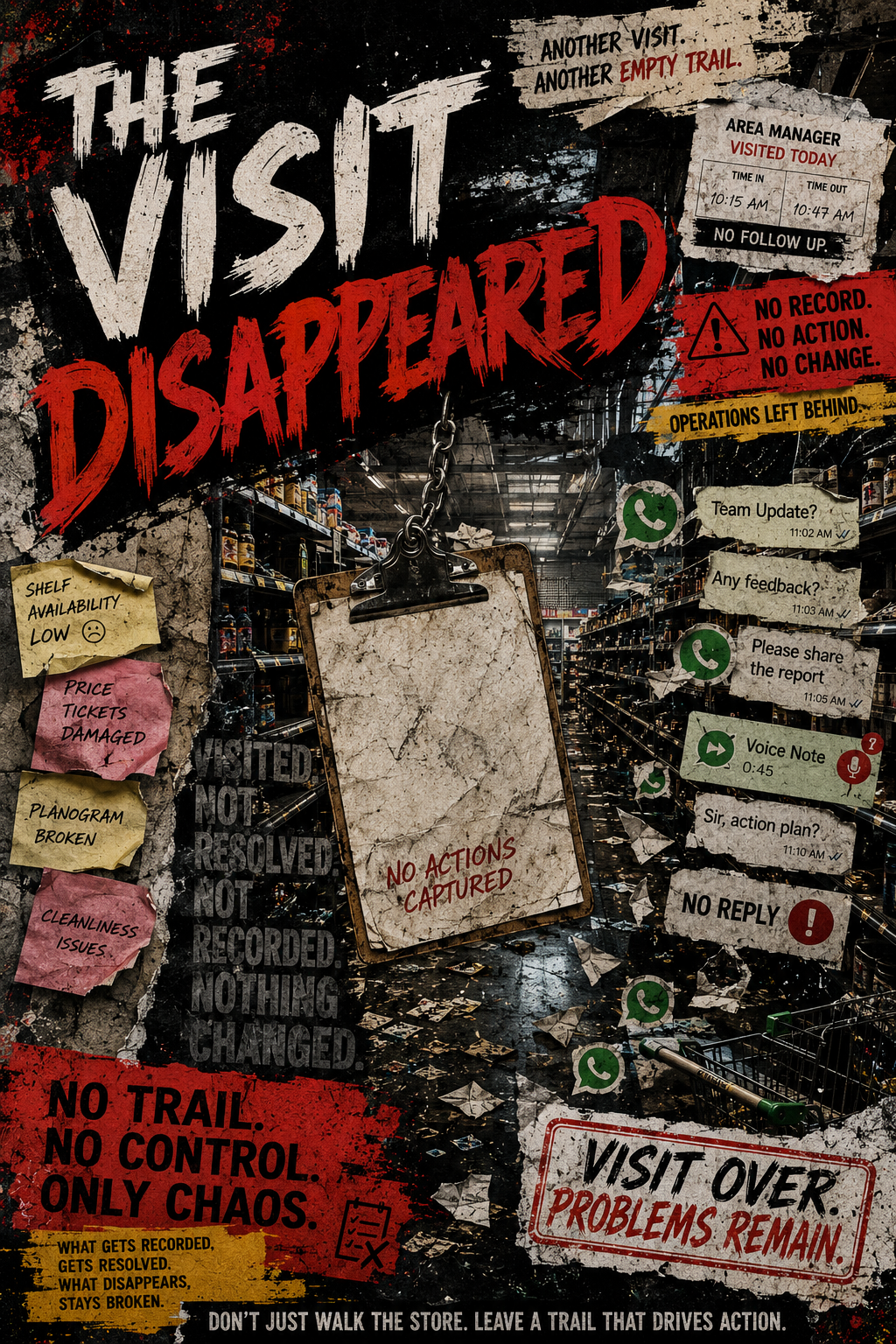
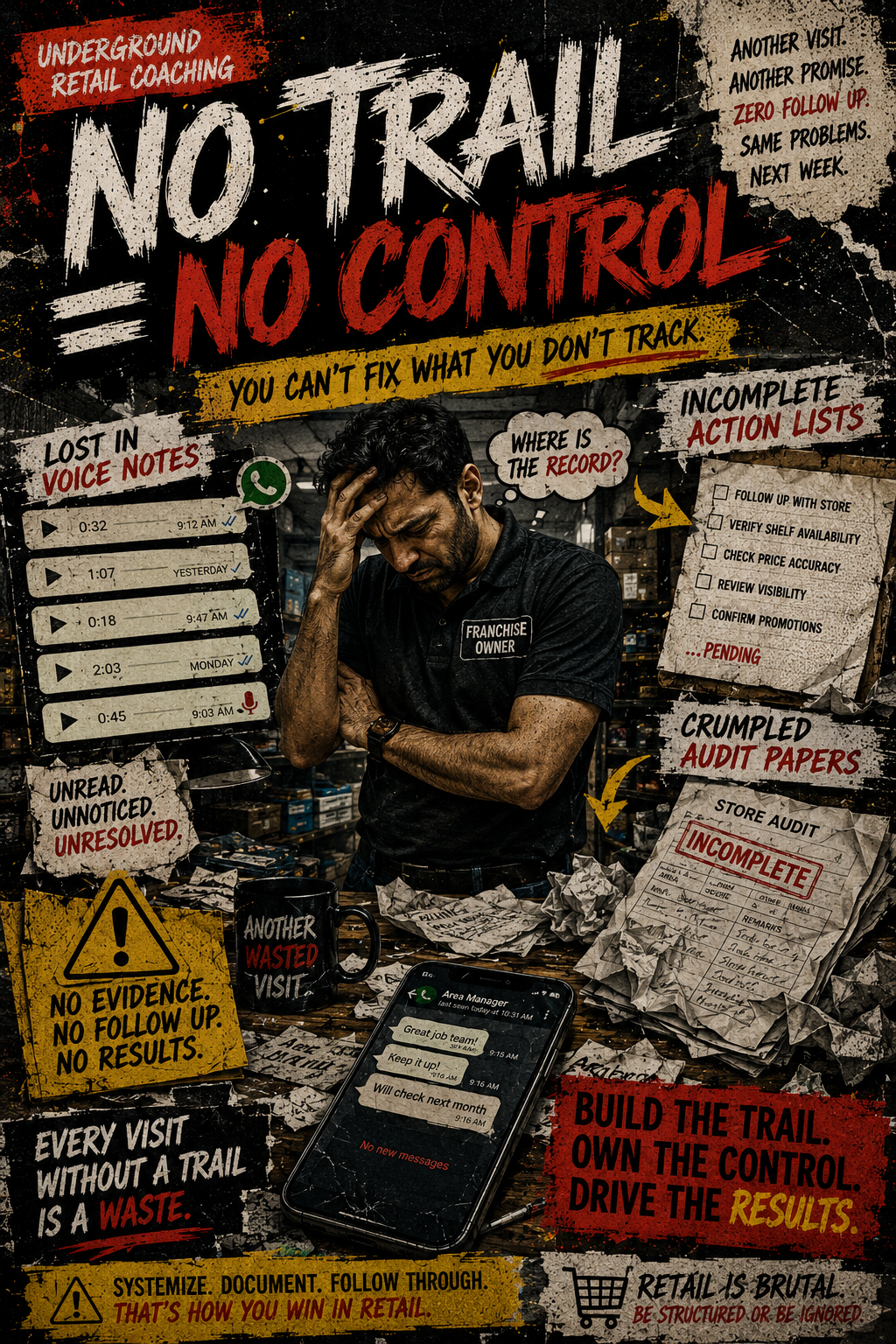
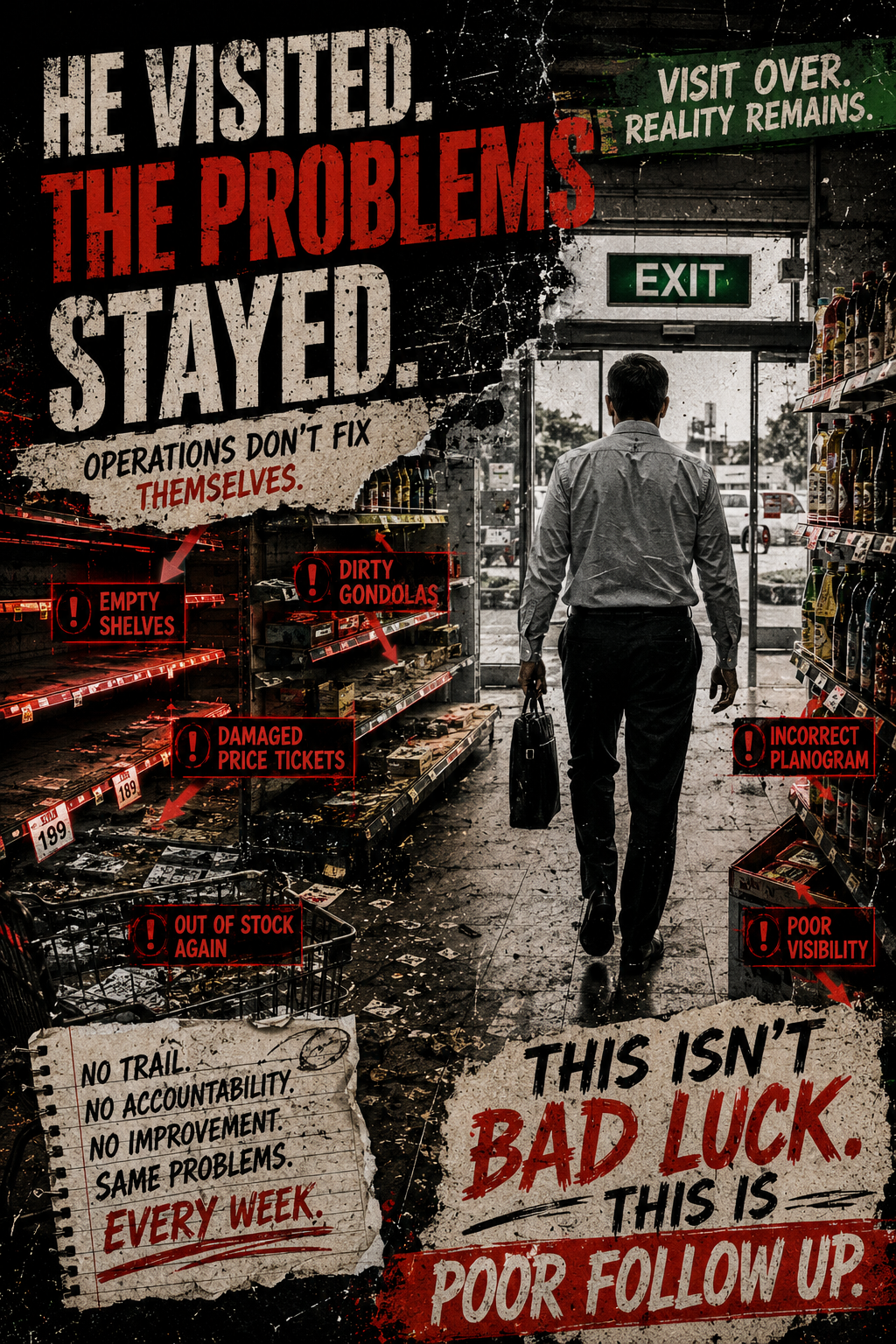
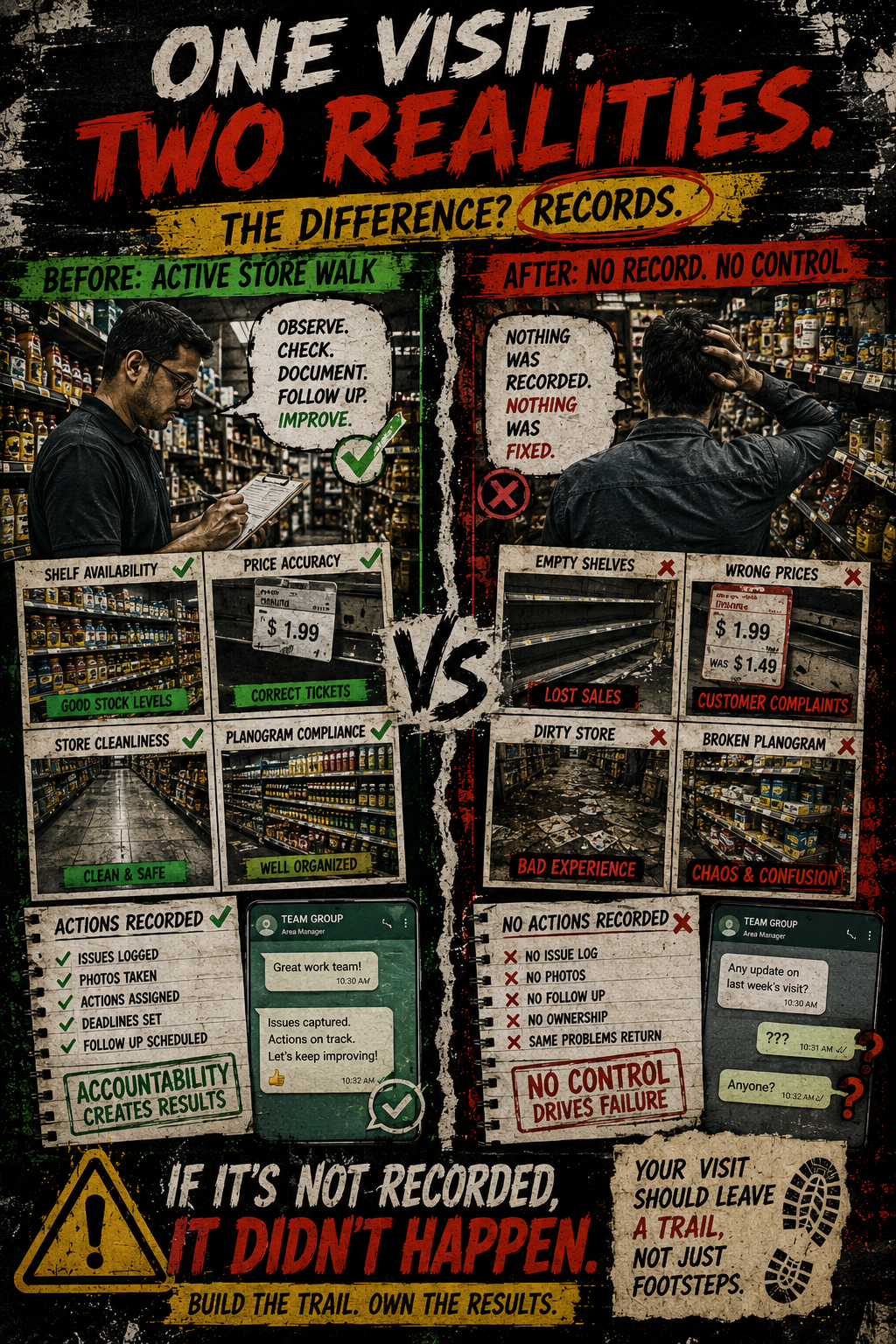
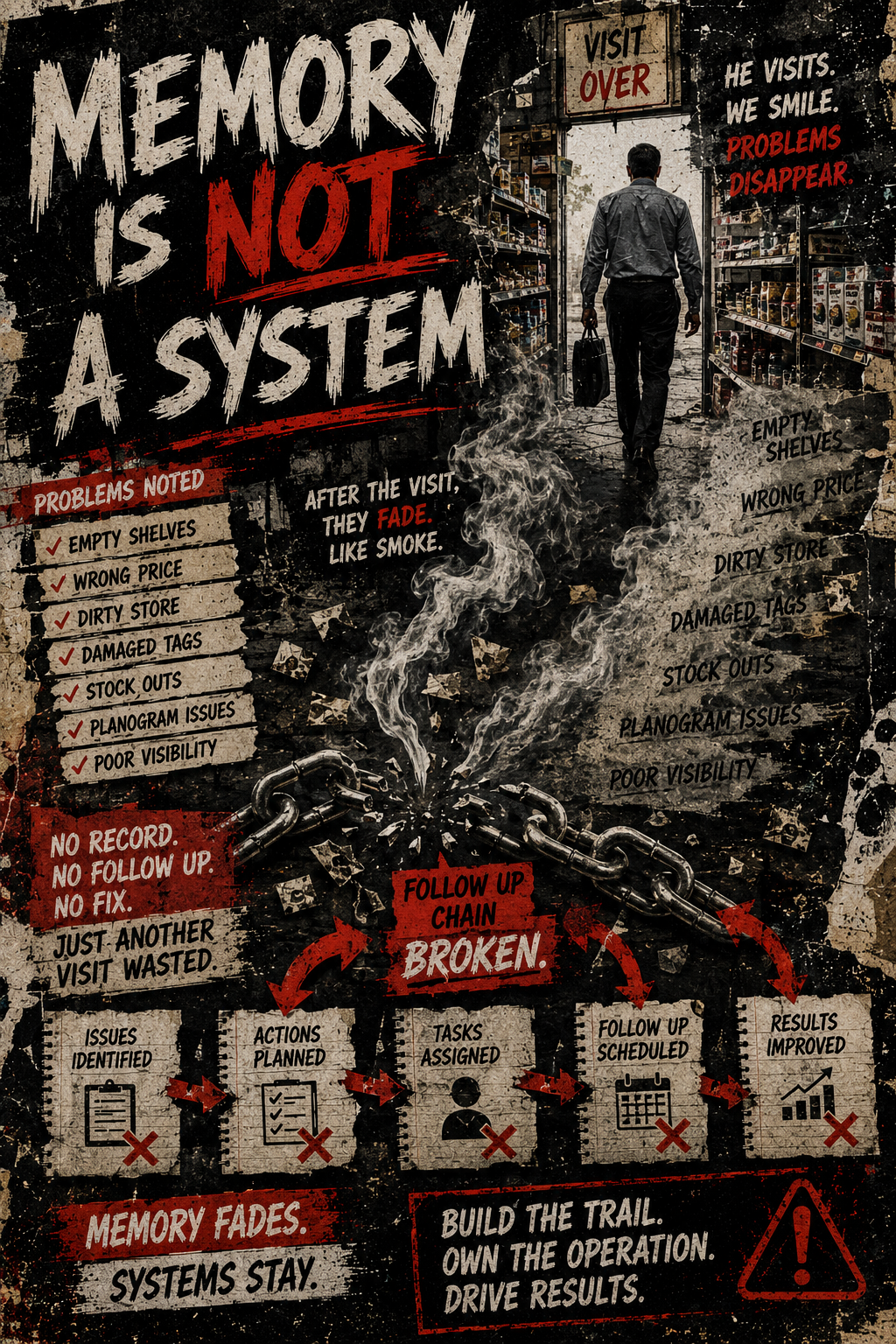
Store walks fail when the evidence gets lost.
The real problem is not the checklist. It is the loose comment, the missing photo, the WhatsApp message nobody can find, and the weak follow-up note that cannot prove what was seen in store.
Returning users enter the same email below. The app recognises saved details automatically.
What breaks in real supermarket walks?
In a busy store, the problem is rarely that nobody knows what good looks like. The problem is that the store walk produces fragments: a quick comment, a photo in a phone, a verbal promise, and no clean follow-up trail.
The practical fix: one controlled evidence path.
Store Walk Coach does not replace the signed store record. It gives managers a simple route to select the area, enter the issue once, attach the evidence, use AI for visible risk wording where helpful, and leave with a practical report.
Built for the people who actually walk the store.
The tool is useful anywhere a visible retail condition must be captured quickly, attached to a clear comment, and turned into a practical follow-up record.
Continue Using Store Walk Coach
then R800